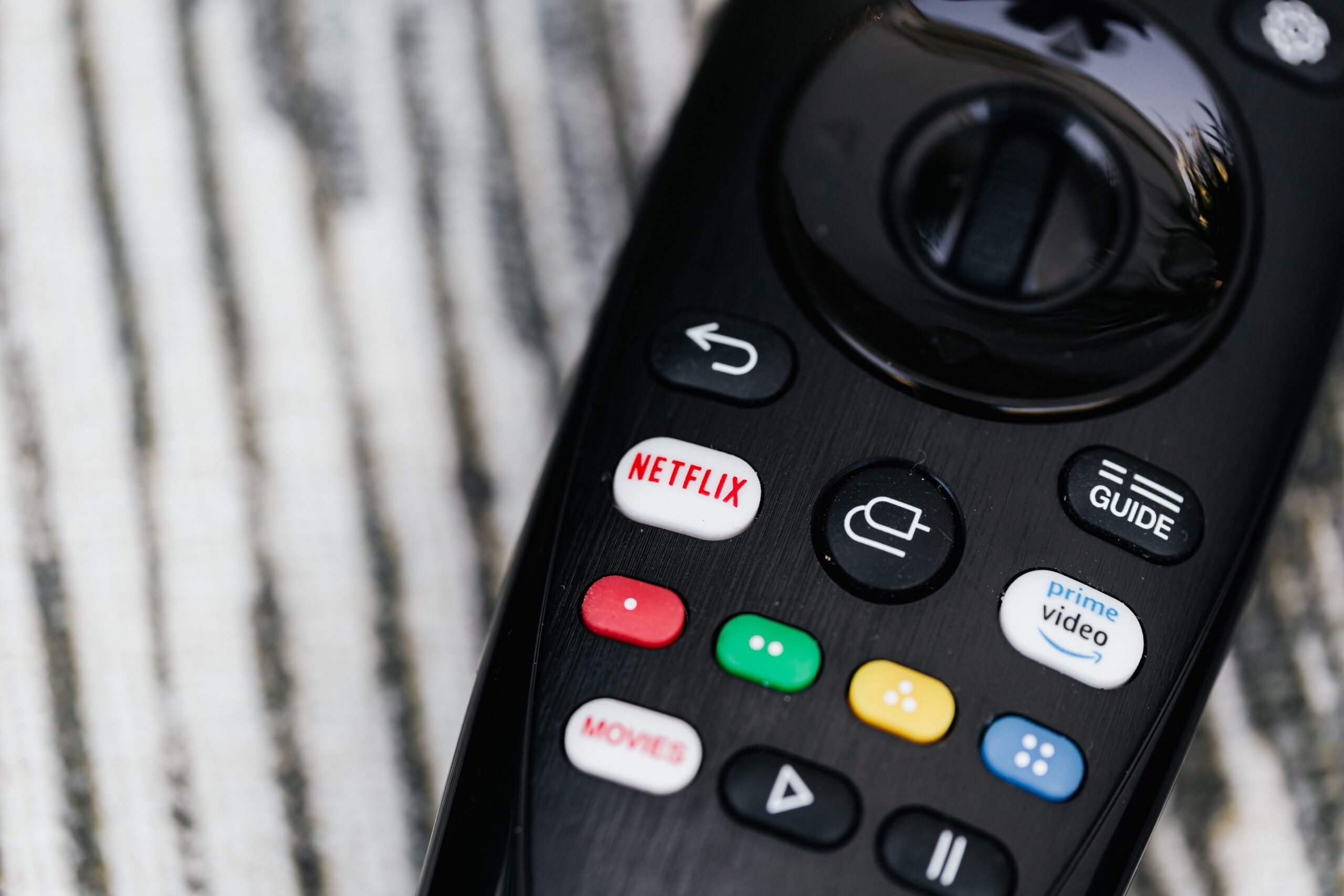
In 2026, streaming services offer more plans, bundles, ad-supported tiers, premium upgrades, and annual discounts than ever. The best strategy is not to subscribe to everything. Instead, choose services based on what you actually watch. Then rotate subscriptions when your favorite shows arrive.
Why Streaming Costs Can Add Up in 2026
One streaming subscription may seem affordable. The problem starts when you combine several services. A household might pay for Netflix, Disney+, Hulu, Max, Apple TV, Peacock, Paramount+, and sports services at the same time.
Premium plans can also increase the total bill. Higher tiers may offer 4K video, downloads, additional screens, better audio, or fewer advertisements. These features are useful, but not every household needs them.
The good news is that consumers now have more ways to control spending. Annual billing, bundles, ad-supported plans, free trials, student discounts, and subscription rotation can all reduce entertainment costs.
Video Streaming Subscription Guide 2026: Compare Before You Subscribe
The first step is to compare the features you actually need. Do not select a plan simply because it says “Premium.” Check video quality, simultaneous streams, downloads, advertising, sports access, and device support.
Netflix
Netflix remains one of the largest streaming platforms. Its U.S. plans include an ad-supported option and higher-priced ad-free plans. Netflix’s official pricing information lists Standard with ads at $8.99 per month, Standard at $19.99, and Premium at $26.99. Premium supports 4K and HDR on compatible content and devices.
If you mainly watch Netflix on a Full HD television or mobile device, the highest tier may not provide enough extra value to justify the price. Check the official Netflix website before subscribing because pricing and availability can vary by country.
Disney+
Disney+ is especially attractive for families and fans of Disney, Pixar, Marvel, Star Wars, and National Geographic. In Singapore, Disney+ currently lists Standard at S$18.98 per month or S$159.98 per year. Premium costs S$22.98 per month or S$189.99 per year. The annual options can provide substantial savings compared with paying monthly.
Disney+ Premium also supports up to 4K UHD and HDR, four concurrent streams, and Dolby Atmos on supported content and devices. Visit the official Disney+ website for current regional pricing.
Hulu
Hulu is useful for viewers who want current television episodes, original series, movies, and FX programming. Its current U.S. plans include Hulu with ads at $11.99 per month and Hulu Premium at $18.99 per month.
Hulu also offers bundles with Disney+ and other services. A bundle can be more economical when you already intend to subscribe to multiple platforms. Check the official Hulu website for current offers and eligibility.
Max
Max is a strong choice for premium television, movies, documentaries, and HBO content. Current U.S. pricing lists Basic with Ads at $9.99 per month, Standard at $16.99, and Premium at $20.99.
Annual plans can reduce the effective monthly cost. Max also offers selected live sports on qualifying plans. If you only need the service for one major series, consider subscribing for one month instead of keeping it active all year.
Peacock
Peacock is another option for movies, television, sports, live events, and NBC-related programming. In August 2026, Peacock increased its U.S. prices. Its Select plan costs $8.99 per month, Premium costs $12.99, and Premium Plus costs $19.99. Annual plans are also available.
Peacock’s current pricing makes it important to compare annual and monthly billing before you subscribe. Visit the official Peacock website to see the latest plans.
Paramount+
Paramount+ provides movies, television, sports, CBS programming, and SHOWTIME content on its Premium tier. Its current U.S. Essential plan starts at $8.99 per month, while Premium costs $13.99 per month.
The Premium plan can be worthwhile for viewers who want 4K content, downloads, CBS live programming, and SHOWTIME. If those features are not important, the lower tier may offer better value.
Apple TV
Apple TV focuses heavily on original movies and series. In the United States, Apple currently lists the service at $14.99 per month after a seven-day trial. In Singapore, the monthly price is S$13.98 after the trial.
Apple TV can be particularly cost-effective when combined with eligible Apple offers. For example, Apple says new device purchases may qualify for a free Apple TV period. Learn more on the official Apple TV website.
How to Save Money on Streaming Subscriptions
1. Use the Subscription Rotation Strategy
You do not need every streaming service at the same time. Instead, subscribe according to your viewing schedule.
For example, you could keep Netflix for two months while watching its new releases. Then cancel it and subscribe to Max when a major series arrives. Later, switch to Disney+ for new family content.
This simple strategy can reduce annual entertainment spending dramatically.
2. Choose Ad-Supported Plans
Ad-supported plans are often much cheaper than ad-free options. If you do not mind occasional advertisements, the savings can be significant over an entire year.
Before selecting an ad-supported plan, check whether your favorite content is included and whether the service limits downloads or video quality.
3. Pay Annually When the Math Works
Annual plans can lower the effective monthly price. However, only choose annual billing when you expect to use the service consistently.
For example, paying annually for a platform you watch every week may make sense. Paying annually for a service you only watch for one month does not.
4. Compare Streaming Bundles
Bundles can provide better value when they combine services you already want. Disney+, Hulu, Max, ESPN-related services, and other combinations can sometimes cost less than buying each service separately.
Always compare the bundle price with the individual plans. A bundle is only a bargain when you will actually use the included services.
5. Use Free Trials Carefully
Free trials can reduce costs, but they can also create unwanted charges. Set a calendar reminder before the trial ends.
Do not start several trials on the same day unless you are confident you can track every renewal date.
How Much Should You Spend on Streaming Each Month?
There is no universal budget. A reasonable target depends on household size and viewing habits.
A light viewer may spend less than $20 per month by choosing one or two services. A larger household may spend $30 to $60 or more for several entertainment and sports platforms.
The key is to measure value. Ask yourself how often you use each service. If you pay $20 for a subscription but watch only one movie every few months, the service may not be worth keeping year-round.
Premium Entertainment Does Not Require Premium Spending
Premium entertainment is not necessarily about buying the most expensive plan. It is about getting the content you want at the lowest reasonable cost.
For example, 4K streaming may be valuable if you own a large 4K television. It may be unnecessary if you mainly watch on a smartphone. Likewise, paying for multiple simultaneous streams makes more sense for a family than for a single viewer.
This approach is similar to comparing business models. People researching affiliate vs dropshipping often compare costs, scalability, and potential returns before choosing a model. Streaming consumers should use the same logic: compare the cost with the value received.
Streaming and Your Broader Digital Budget
Entertainment is only one part of a modern digital budget. Many people also pay for cloud storage, software, productivity applications, music services, gaming subscriptions, and online education.
Reducing unnecessary subscriptions can free money for savings or investing. It can also create more room for a passive income strategy or an online business.
For example, someone interested in affiliate marketing may redirect $30 or $40 saved from unused subscriptions toward website hosting, content creation, or marketing tools. Someone researching a dropshipping business could use those savings for product research or advertising.
The goal is not to eliminate entertainment. The goal is to make every recurring expense intentional.
Common Streaming Subscription Mistakes
Keeping Services You No Longer Watch
This is the most common mistake. A subscription may start because of one popular show. After the show ends, the subscription remains active.
Paying for Features You Do Not Use
Do not automatically upgrade to 4K, premium audio, or additional screens. Select these features only when they improve your actual viewing experience.
Ignoring Regional Pricing
Streaming prices and libraries differ by country. A plan available in the United States may not have the same price or content in Singapore, Europe, or another market.
Forgetting Annual Renewals
Annual billing can save money, but it also creates a larger automatic charge. Keep a list of annual renewal dates so you can review each service before it renews.
Best Streaming Strategy for 2026
The smartest approach is to build a flexible streaming portfolio. Keep one primary service that you use regularly. Add one or two rotating services for specific shows, movies, or sports. Cancel them when your viewing needs change.
Also review your subscriptions every three months. Streaming catalogs change constantly. A service that was valuable six months ago may no longer be essential today.
Use official pricing pages when making your final decision. Netflix, Disney+, Hulu, Max, Peacock, Paramount+, and Apple TV can all change prices, plans, bundles, or regional availability.
Final Thoughts
This Video Streaming Subscription Guide 2026 shows that saving money does not mean giving up premium entertainment. The biggest savings usually come from better subscription management.
Compare plans before subscribing. Choose ad-supported tiers when appropriate. Use annual billing when the numbers make sense. Take advantage of legitimate bundles and trials. Most importantly, cancel services when you stop using them.
With a simple rotation strategy, you can enjoy blockbuster movies, premium series, live sports, and exclusive originals while keeping your entertainment budget under control.